Book a Truck

Choose the truck you need, how many and a collection date — our dispatch team confirms the booking for collection, stockpile transfer or delivery to port.

◆ Step 1

Choose Your Truck

Select a vehicle type suited to the material and tonnage you are moving — you can change it before you submit the booking.

◆ Step 2

Pick a Collection Date

Choose your preferred collection date. Displayed slots are not guaranteed live availability; dispatch confirms the loading window with you.

◆ Step 3

Booking Details

Tell us where the load starts and where it needs to be. This submits a request, not a confirmed booking.

Choose how many trucks of this type — dispatch confirms the fleet.
Leave blank if you are a sole trader or not registered.
Leave blank if booking a single full truck load
Material
Submit Inquiry Instead

Submitting this form does not reserve a truck. The dates and slots are preferences unless verified by dispatch. A KCommercial representative must confirm availability and collection details. Nothing is charged online.

◆ How Booking Works

From Booking Request to Load-Out

1Choose TruckMatch vehicle to material
→
2Pick DateCollection day that suits you
→
3Dispatch ConfirmsWithin one business hour
→
4Truck ArrivesSite induction & loading
→
5Proof of DeliveryDocs & POD returned
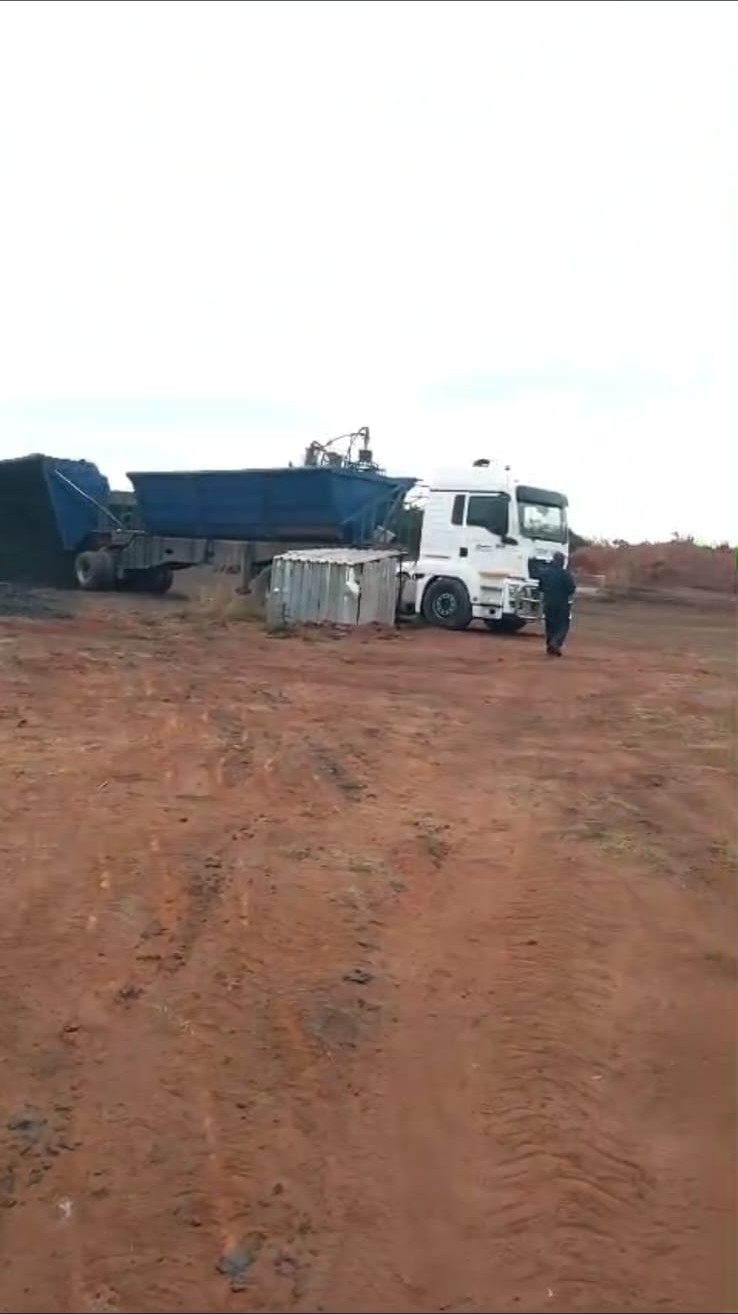
Chrome being loaded into a road truck
Load-OutTruck loaded at site
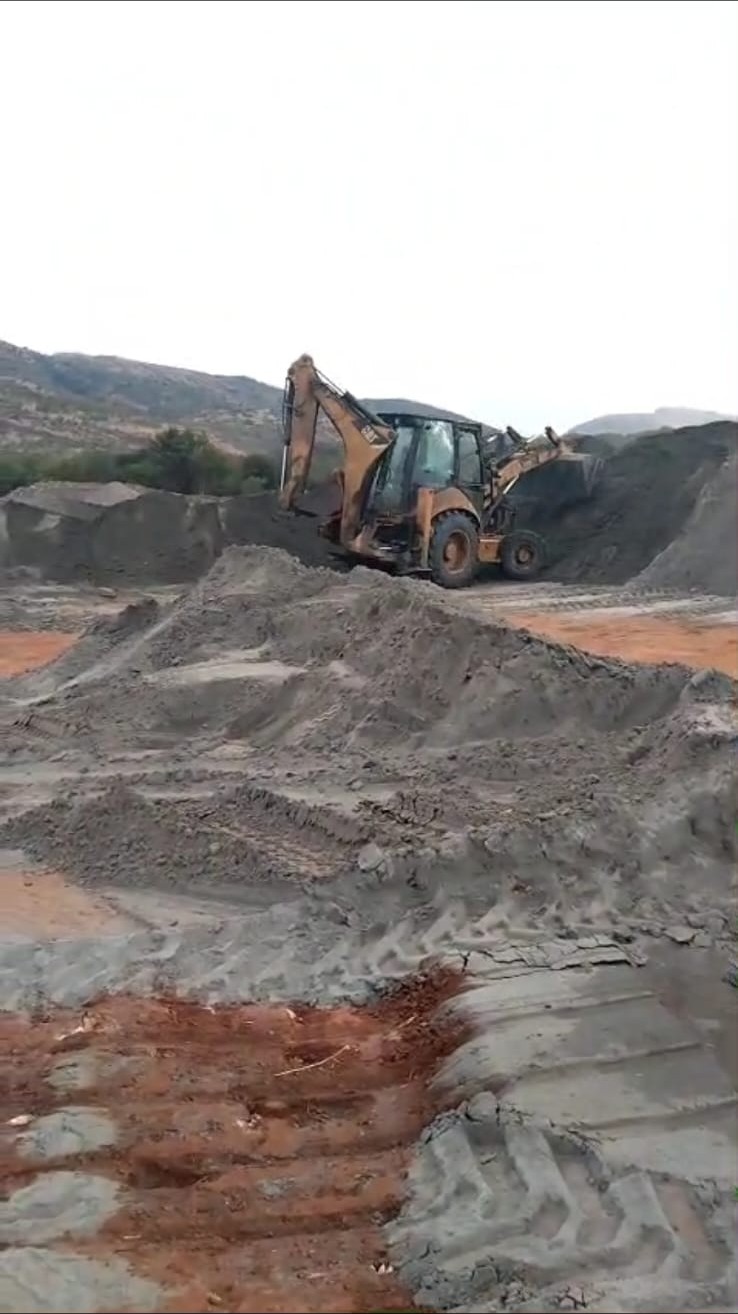
Loader building a stockpile ahead of dispatch
StagingStockpile prepared for dispatch
Mining operation supplying scheduled loads
SourceScheduled tonnage at the mine
Chat on WhatsApp